Replacing Excel with Oracle APEX: Modernize Spreadsheet-Based Business Processes

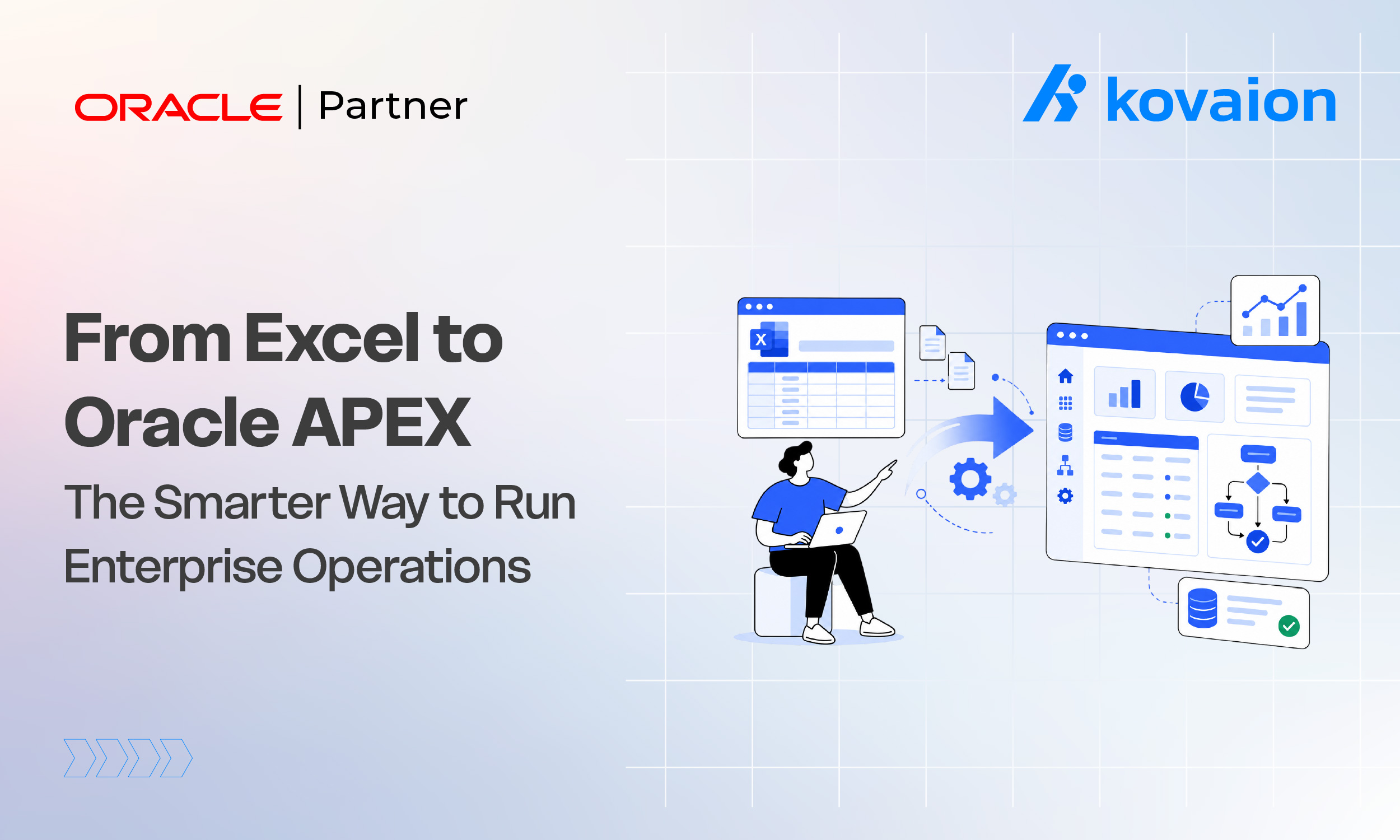
In many organizations, spreadsheets still play a critical role in managing important business processes — from employee tracking and financial planning to inventory management, procurement requests, and operational reporting. Microsoft Excel remains one of the most widely used tools across departments, but relying on it for complex, enterprise-level processes creates challenges around data accuracy, collaboration, security, scalability, and automation.
As businesses grow, spreadsheet-based operations often become difficult to manage. Multiple file versions, manual data updates, inconsistent formulas, limited visibility, and dependency on individual users slow down decision-making and increase operational risk. What begins as a simple spreadsheet can quietly become a business-critical process that lacks the governance, security, and scalability modern enterprises need.
Oracle APEX Application Development offers a powerful alternative. Oracle APEX lets organizations transform spreadsheet-driven processes into secure, scalable, customized enterprise applications using a low-code approach — centralizing data, automating processes, enforcing business rules, and providing real-time visibility across departments, while integrating with Oracle Database, Oracle Fusion Cloud, Oracle ERP, Oracle HCM, Oracle Integration Cloud (OIC), and third-party systems.
Organizations can use Oracle APEX to modernize processes such as HR tracking, leave and attendance management, expense and approval workflows, procurement, inventory and asset management, project tracking, compliance reporting, and operational dashboards.
This guide explores why organizations still rely on Excel, the limitations of spreadsheet-based processes, how Oracle APEX helps modernize them, key benefits, common use cases, best practices for spreadsheet modernization, and how the right implementation partner can accelerate the transition.
For operations and IT leaders trying to decide which spreadsheets are safe to leave alone and which have quietly become business-critical, the assessment questions in this guide are a useful starting point for scoping a realistic modernization roadmap.
Why Organizations Still Rely on Excel
Excel remains popular because of its simplicity, flexibility, and accessibility — employees can quickly build spreadsheets, run calculations, and share information without specialized technical skills. But as requirements grow more complex, a simple tracking sheet can gradually turn into a critical process involving multiple users, complex calculations, approvals, and large data volumes.
Common processes still managed in Excel include:
- HR and employee management — records, attendance, leave, onboarding checklists, training, and performance tracking
- Finance and budgeting — budget planning, expense tracking, cost analysis, forecasting, and invoice tracking
- Procurement and vendor management — purchase requests, vendor details, supplier evaluation, and contract information
- Inventory and asset tracking — stock levels, asset allocation, equipment details, and maintenance schedules
- Project and operational tracking — schedules, resource allocation, task tracking, and status reporting
Why Excel Becomes Challenging at Enterprise Scale
- Multiple versions and data duplication — separate team spreadsheets create conflicting records and unclear “latest” versions
- Manual data entry and updates — increases the risk of errors, incorrect calculations, missing information, and delayed reporting
- Limited workflow automation — approvals, notifications, escalations, and task assignments require manual coordination
- Security and access control gaps — managing permissions across scattered spreadsheets is difficult, especially for sensitive data
- Lack of real-time visibility — spreadsheets show historical snapshots rather than live operational insight
- Scalability challenges — large files, complex formulas, and macros create performance issues and single-user dependency
Organizations don’t need to eliminate Excel entirely — they need to identify business-critical spreadsheet processes that require better security, automation, scalability, and integration, and replace those with custom Oracle APEX applications.
Why Replace Excel with Oracle APEX?
Centralized Data Management
Oracle APEX moves spreadsheet data into a centralized, database-driven application — giving organizations a single source of accurate information, real-time access, reduced duplication, and better reporting, all backed by Oracle Database’s governance and security.
Improved Accuracy Through Business Rules
Oracle APEX applications enforce automated validations — mandatory fields, format checks, approval conditions, automated calculations, and duplicate prevention — keeping data accurate and aligned with organizational policy, instead of depending on manually maintained formulas.
Automated Business Workflows
Requests, approvals, task assignments, notifications, escalations, and status tracking can all be automated. A purchase request that once moved between Excel files and email threads becomes a structured Oracle APEX workflow with complete visibility into every approval stage.
Enterprise-Level Security and Access Control
Unlike spreadsheets shared through email or shared folders, Oracle APEX applications provide role-based access control, authentication, authorization, data-level security, and audit tracking — ensuring users only see information relevant to their role.
Real-Time Reporting and Analytics
Interactive dashboards, KPI monitoring, data visualization, drill-down analytics, and automated reports replace manual report consolidation, giving leaders instant access to accurate information.
Seamless Enterprise Integration
Oracle APEX connects with Oracle Fusion Cloud, ERP, HCM, SCM, Oracle Database, OIC, REST APIs, and third-party applications — turning isolated spreadsheet workflows into connected business processes.
Scalable, Low-Code Development
Oracle APEX applications can grow with new business functions, workflows, reports, and integrations, and its low-code approach delivers faster development, faster deployment, lower maintenance effort, and a stronger return on investment than traditional coding.
Key Benefits of Oracle APEX Over Excel
- Workflow automation and standardization — digital submission, automated approval routing, role-based task assignment, notifications, and escalation management replace email-driven follow-ups
- Centralized, reliable data — a single Oracle Database repository eliminates duplicate records and improves data governance
- Real-time reporting and BI — live KPI monitoring, interactive reports, and trend analysis replace manual report preparation
- Enhanced security — authentication, RBAC, authorization rules, and audit tracking protect sensitive data (e.g., an HR dashboard can show workforce analytics while restricting individual employee records)
- Better collaboration — a centralized web application removes the version conflicts common with shared Excel files
- Automated validation and business rules — required fields, approval conditions, format checks, and duplicate detection improve data quality
- Mobile accessibility — responsive, web-based applications let employees and managers act on approvals and dashboards from any device
- Seamless Oracle ecosystem integration — connects with Oracle Fusion Cloud, HCM, ERP, SCM, Database, OIC, and REST APIs
- Faster development, lower cost — low-code development reduces implementation time and total cost of ownership
- Scalability — supports growing user communities, transaction volumes, and reporting needs without major redesign
Common Oracle APEX Applications That Replace Excel
- HR employee management — employee records, onboarding/offboarding workflows, leave and attendance tracking, training records, performance tracking, and self-service portals
- Leave and attendance management — submission, manager approval workflows, automated notifications, leave balance calculations, and policy-based validation
- Expense management — digital submission, receipt attachments, automated approval workflows, policy validation, and expense dashboards
- Procurement and purchase requests — request creation, approval routing, vendor information management, PO tracking, and spend analysis
- Inventory and asset management — asset registration, stock movement monitoring, assignment, maintenance schedules, and lifecycle reporting
- Project management and resource tracking — planning, task management, resource allocation, milestone tracking, and budget monitoring
- Compliance and audit management — audit checklists, risk tracking, policy compliance monitoring, and document management
- Customer service and support — service request management, ticket tracking, SLA monitoring, and support dashboards
- Financial reporting and budgeting — budget planning, approval workflows, cost tracking, and forecasting dashboards
- Industry-specific applications — production tracking and quality management (manufacturing), patient and appointment management (healthcare), student information systems (education), shipment and fleet tracking (logistics), and inventory and sales dashboards (retail)
The key advantage of Oracle APEX is flexibility — organizations aren’t locked into a packaged solution; they can build custom applications designed around their own processes.
Best Practices for Spreadsheet Modernization
Modernizing spreadsheet-based processes requires more than transferring Excel data into a new application. Successful spreadsheet modernization means understanding existing workflows, identifying improvement opportunities, restructuring processes, and building applications that deliver long-term value while minimizing disruption to business users.
- Identify critical spreadsheet processes first — prioritize spreadsheets shared across teams, containing sensitive data, requiring frequent manual updates, or dependent on a single owner.
- Analyze existing processes — document workflow steps, data sources, approval requirements, existing calculations, and bottlenecks before building anything, so you simplify rather than replicate inefficiency.
- Define clear business requirements — determine what problem the application solves, who will use it, what data it captures, and what workflows and reports it needs.
- Clean and prepare data before migration — remove duplicates, correct inaccuracies, standardize formats, and establish data ownership and governance rules.
- Design user-friendly applications — simple navigation, intuitive forms, clear dashboards, and role-based views improve adoption and ease the transition from familiar spreadsheets.
- Automate manual workflows — convert repetitive approval, notification, calculation, and reporting steps into structured digital processes.
- Implement security and access controls — authentication, RBAC, data-level permissions, and audit tracking protect sensitive information that was previously shared loosely.
- Integrate with enterprise systems — connect with Oracle Fusion Cloud, HCM, ERP, SCM, OIC, and REST APIs to eliminate manual data transfers.
- Plan training and change management — provide documentation, guidance, and support to help long-time Excel users adopt the new application.
- Continuously enhance the application — add new workflows, reports, dashboards, integrations, and even AI capabilities as requirements evolve.
Common Challenges During Excel Modernization
Replacing Excel with Oracle APEX delivers significant benefits, but organizations still need to plan carefully around process transformation, data migration, and user adoption. Many spreadsheet-based processes evolve organically over years and become deeply embedded in daily operations, so moving them to a modern application platform requires a structured approach.
- Data quality and migration: Years of spreadsheets often contain duplicate records, inconsistent formats, and incomplete data. Address this with a detailed data assessment, cleansing, and validation before migrating into Oracle Database and Oracle APEX.
- Undocumented business processes: Spreadsheet workflows evolve informally and vary between teams, with business rules hidden inside formulas. Analyze existing processes and simplify or standardize them rather than replicating inefficiencies in the new application.
- User adoption: Employees comfortable with Excel may resist a new interface. Involve users in application design, provide training, communicate benefits clearly, and offer ongoing support after go-live.
- Business continuity during transition: Critical operations can’t be disrupted mid-migration. A phased implementation, with validated parallel operations where needed, minimizes impact.
- Integration with existing systems: Spreadsheet processes often depend on data from multiple applications. Oracle APEX’s support for REST APIs, OIC, and native Oracle integrations helps connect new applications to Fusion Cloud, ERP, HCM, and SCM.
- Scope creep: Attempting to modernize too many processes at once increases complexity and risk. Prioritize high-impact spreadsheets first and expand modernization gradually based on business value.
- Performance and scalability: Large historical datasets and complex calculations need attention to database design and query optimization — an area where Oracle APEX’s foundation on Oracle Database provides a scalable head start.
- Security and compliance: Sensitive data requires authentication, RBAC, audit trails, and secure storage — protections spreadsheets often lack by default.
How Kovaion Helps Modernize Spreadsheet-Based Processes
Replacing Excel requires more than moving data into a new system — it requires understanding business workflows, optimizing processes, and integrating with the wider enterprise. Kovaion helps organizations transform spreadsheet-based processes into secure, scalable, custom Oracle APEX applications, maximizing existing Oracle technology investments.
Our approach includes:
- Process assessment and modernization strategy — reviewing existing Excel processes, workflows, bottlenecks, and reporting needs to define the right roadmap
- Custom Oracle APEX development — business application design, database-driven architecture, user-friendly interfaces, workflow automation, dashboards, and mobile-responsive applications
- Workflow automation — converting manual approvals, email follow-ups, and status tracking into automated digital processes
- Data migration and modernization — assessment, cleansing, transformation, and validation to move spreadsheet data into structured Oracle Database environments
- Enterprise system integration — connecting Oracle APEX with Oracle Fusion Cloud, HCM, ERP, SCM, OIC, and third-party systems
- BI dashboards and reporting — executive KPI dashboards, HR analytics, financial reporting, and procurement analytics with real-time visualization
- Security and governance — RBAC, authentication, authorization, and audit tracking built into every application
- Ongoing support — ongoing enhancements, performance optimization, and new feature development as requirements evolve
With expertise across Oracle APEX, Oracle Database, Oracle Cloud, and Oracle Fusion Applications, Kovaion helps organizations move beyond spreadsheet limitations and build secure, automated, future-ready applications — whether modernizing a single tracking sheet or an entire multi-department process.
Frequently Asked Questions
Does replacing Excel with Oracle APEX mean employees can no longer use spreadsheets at all?
No. Excel remains useful for individual productivity and quick analysis. The goal is to identify business-critical, multi-user spreadsheet processes and move those specifically into a more secure, automated Oracle APEX application.
Can historical data from years of spreadsheets be migrated into Oracle APEX?
Yes, though it requires a data cleansing and validation step first — removing duplicates, standardizing formats, and correcting inconsistencies — to ensure the migrated data is accurate and reliable.
How long does it typically take to replace a spreadsheet-based process with Oracle APEX?
Timelines vary with complexity, but Oracle APEX’s low-code approach means many single-process applications — such as a leave approval workflow or expense tracker — can be built and deployed in a matter of weeks rather than months.
Do Oracle APEX applications work on mobile devices?
Yes. Oracle APEX applications are web-based and responsive by default, so employees and managers can access forms, approvals, and dashboards from desktops, tablets, or phones.
Conclusion
Spreadsheets have played an important role in helping organizations manage processes and analyze information. But as enterprises grow, relying on Excel for critical operations creates challenges around data accuracy, security, collaboration, automation, and scalability.
Replacing Excel with Oracle APEX lets organizations transform spreadsheet-driven processes into secure, scalable, customized applications — centralizing data, automating workflows, improving accuracy through business validations, enabling real-time reporting, strengthening security, and integrating with Oracle Fusion Cloud and third-party systems.
Successful spreadsheet modernization requires more than replacing files with a new interface — it requires understanding existing processes, optimizing workflows, improving data quality, and building applications that deliver measurable value. With the right strategy and implementation expertise, organizations can move beyond spreadsheet limitations and build a stronger foundation for continuous innovation, all while making the most of their existing Oracle technology investment.
Replace Business-Critical Spreadsheets with Intelligent Oracle APEX Applications
If your organization still relies on Excel for managing approvals, tracking operations, financial reporting, HR processes, or inventory management, it may be time to modernize. Kovaion helps businesses transform spreadsheet-driven workflows into secure, scalable, and user-friendly Oracle APEX applications that centralize data, automate business processes, and provide real-time insights. From process assessment and data migration to custom application development, enterprise integration, and ongoing support, we deliver end-to-end Oracle APEX solutions tailored to your business needs.